BUG REPORT
Speed Typing Test
Players who enjoyed Speed Typing Test also loved these











Hot titles being played across the platform
 HOT
 HOT
 HOT
 HOT
 HOT
 HOT
 HOT
 HOT
 HOT
 HOT
 HOT
 HOT
 HOT
 HOT
 HOT
 HOT
 HOT
 HOT
 HOT
 HOT
Pick another awesome game and continue playing














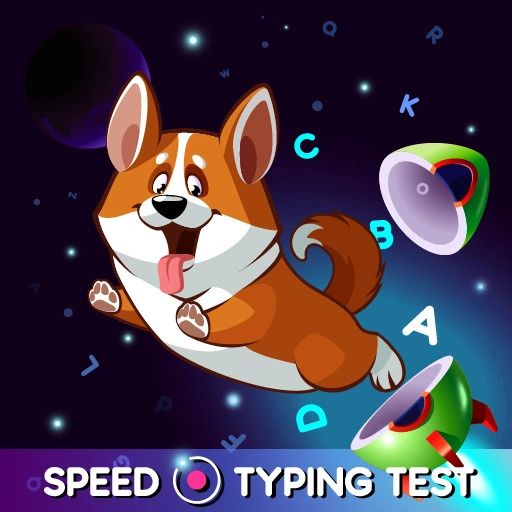
Think you're fast on a keyboard? Speed Typing Test is the hypercasual challenge that puts your fingers on trial. Words flash onto the screen, a timer ticks down, and every keystroke counts. Miss a letter and you'll feel the sting — nail a perfect streak and you'll chase that "just one more run" feeling that keeps players glued for hours.
It's a hit on g+ unblocked games portals because it loads instantly, needs zero downloads, and turns a boring skill into a competitive sport. Whether you're killing five minutes between classes or grinding for a leaderboard spot, this is one of those pick-up-and-play titles that's impossible to put down.
The goal is simple: type the displayed words or sentences as quickly and accurately as possible before the clock runs out. Speed boosts your score, but accuracy is king — typos cost you time and points, so sloppy typing will tank your run fast.
On desktop, just use your keyboard. Letters register the moment you press them, and hitting space or enter advances you to the next word depending on the mode. There's no mouse required, which makes it a perfect fit for unblocked games for school where you want something quick and low-key.
On mobile, an on-screen keyboard pops up so you can tap away. It's a little trickier on a phone, but the game scales the difficulty to match. Either way, the core loop stays the same: read, react, type, repeat.
1. Prioritize accuracy over raw speed. It sounds counterintuitive, but fixing a typo wastes more time than typing slightly slower. Clean runs always beat frantic, error-filled ones.
2. Learn to read ahead. Don't stare at the letter you're typing — let your eyes jump to the next word while your fingers catch up. This "look-ahead" habit is what separates beginners from pros.
3. Warm up before you grind. Do a couple of easy runs to loosen your fingers before chasing a personal best. Cold hands equal clumsy keystrokes, and you'll feel the difference immediately.
Yes, it's completely free and playable right in your browser. No sign-up, no downloads, no nonsense — just open it and start typing.
Absolutely. The game works on mobile with an on-screen keyboard, though most players find desktop keyboards give them a competitive edge for high scores.
Definitely. Regular practice builds muscle memory and sharpens your reaction time, so many players notice real-world typing gains after just a few sessions.